CyberSafe AI
Abstract
This article provides an overview of the Cyber Range's public CyberSafe AI platform and its learning objectives. It also explains how to reset player progress, create a report card, and how to gain access to materials for CyberSafe AI.
What is CyberSafe AI?
CyberSafe AI is a freely available web-based platform that allows players to test and hone their artificial intelligence safety skills, covering the following learning objectives:
- Learn how to spot red flags in AI-generated content
- Learn how attackers use AI to craft convincing phishing messages and deepfakes
- Learn how to safely write prompts
- Learn how prompt injection and jailbreaking attacks work and what defenders do to stop them
- Learn how agentic AI systems can be manipulated, see what attackers might try when they exploit one, and how the right defenses keep things under control
CyberSafe AI offers five different levels to play through, each offering several multiple-choice and short-answer questions that provide players with real-time feedback and explanations.
How To Play
Logging In
-
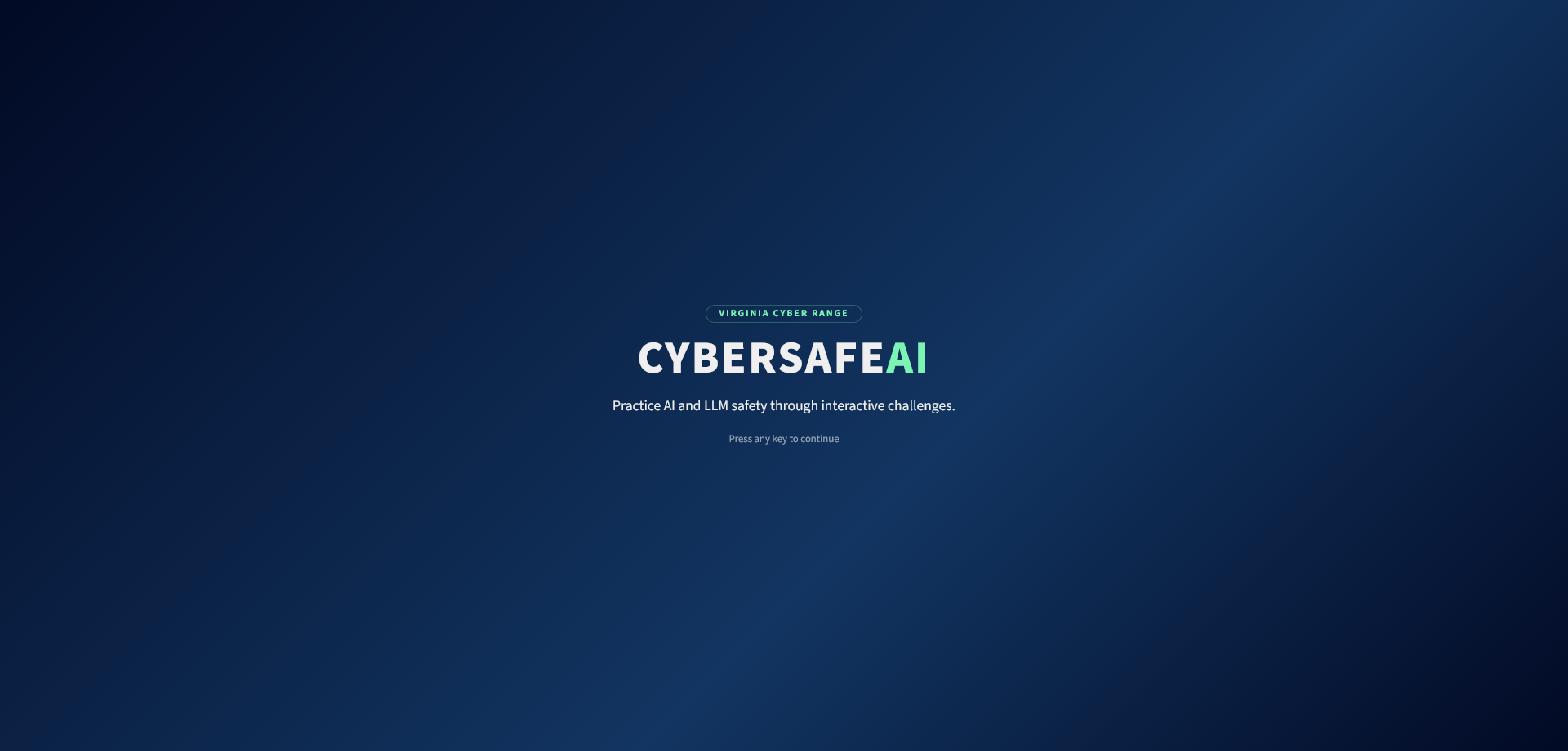
To access CyberSafe AI, players will need to navigate to the following link: CyberSafe AI
-
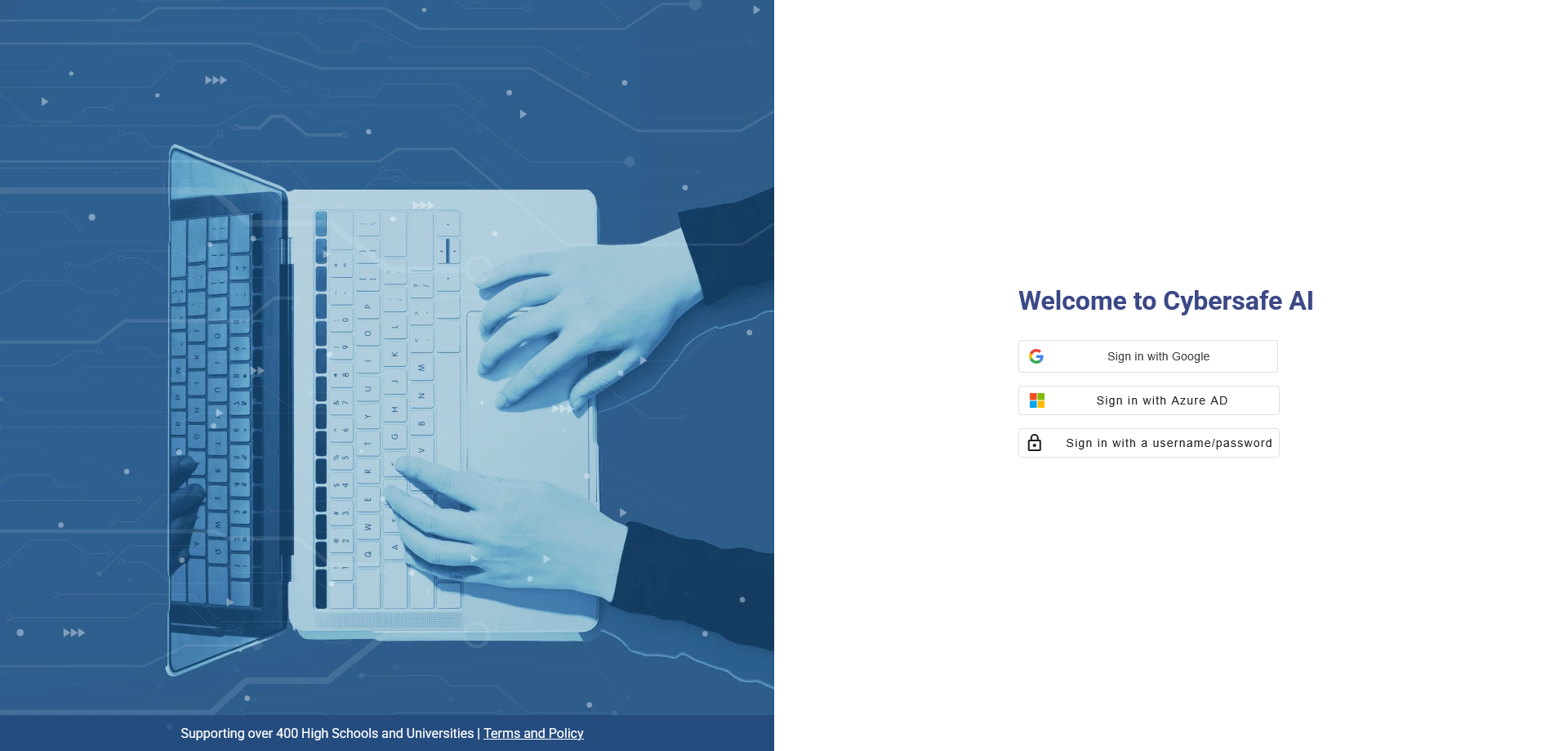
Next, players have the choice to authenticate with the Cyber Range using either Google or Azure AD, or sign in with a username/password.
-
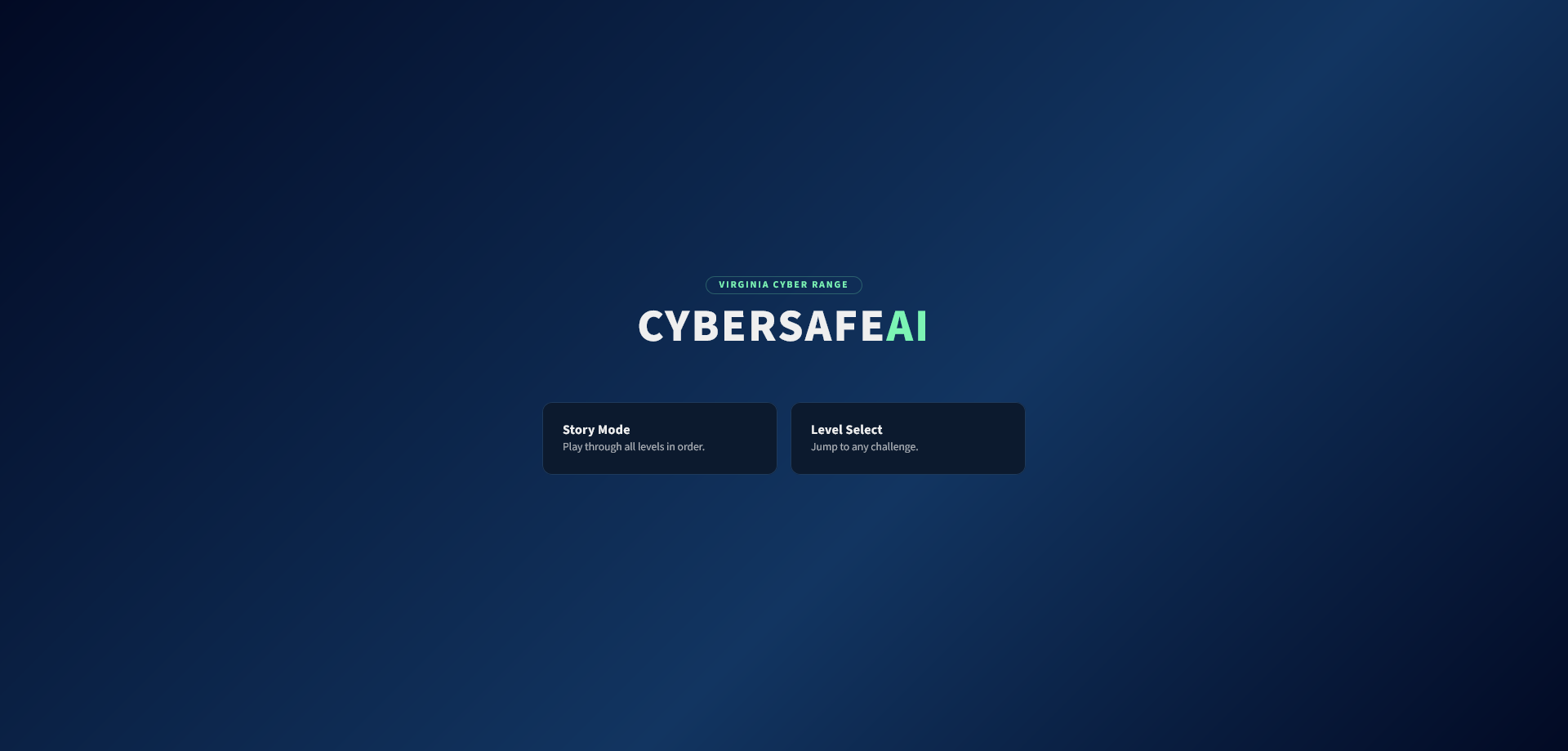
Once logged in, players will be presented with the available CyberSafe AI levels.
Available Levels
Each level in CyberSafe AI covers a specific topic and requires players to earn a number of points to complete it. The levels and their required point totals include:
-
Level 1 - Hallucination Hunter (10 points): Learn how to spot red flags in AI-generated content
-
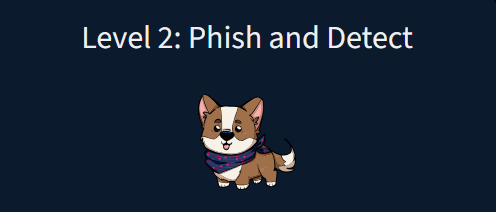
Level 2 - Phish and Detect (10 points): Learn how attackers use AI to craft convincing phishing messages and deepfakes
-
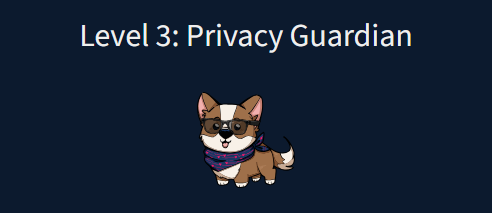
Level 3 - Privacy Guardian (10 points): Learn what counts as personal information, why sharing too much can be risky, and how to rewrite prompts the safe way
-
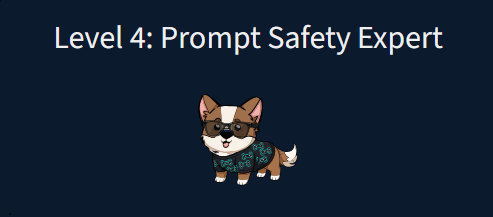
Level 4 - Prompt Safety Expert (15 points): Learn how prompt injection and jail-breaking attacks work and what defenders do to stop them
-
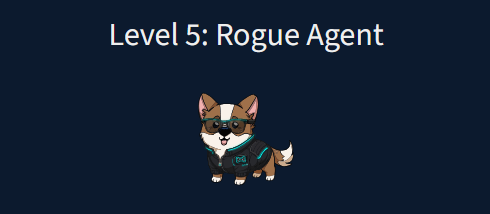
Level 5 - Rogue Agent (10 points): Learn how agentic AI systems can be manipulated, see what attackers might try when they exploit one, and how the right defenses keep things under control
Note
Players may go back to continue playing a level after it has been marked as completed until all questions in the level have been answered. Once all questions have been answered, the level can no longer be played unless the game is reset.
Keeping Score
Users will be able to find their current score next to each level denoted by a star.

Once a user has completed a level, they'll find a completion badge next to the level.

How to Reset Progress
Players can reset their progress at any time, including before completing any levels or earning any points.
-
Open the Avatar Menu.
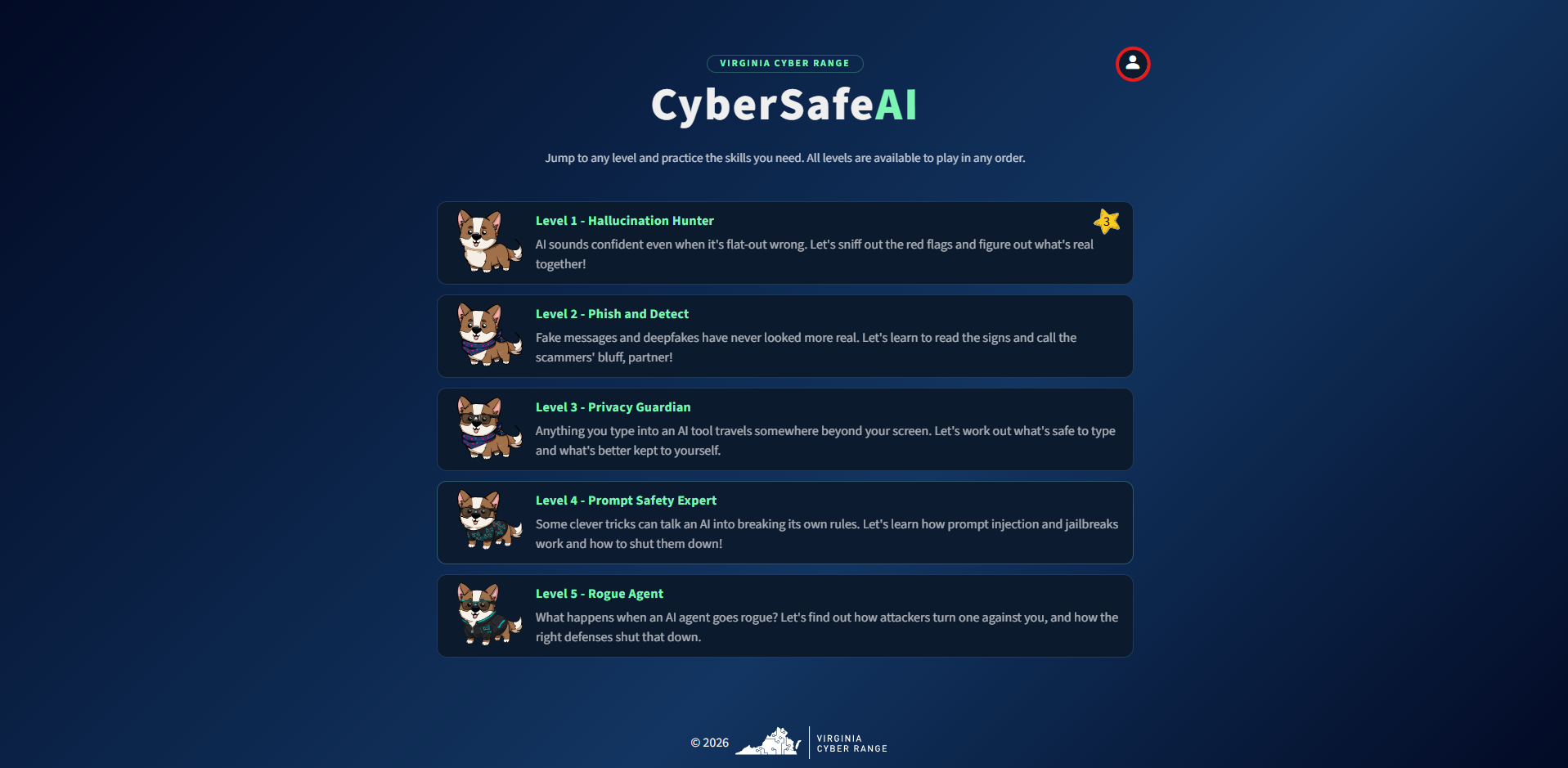
-
Click the Reset Progress button.
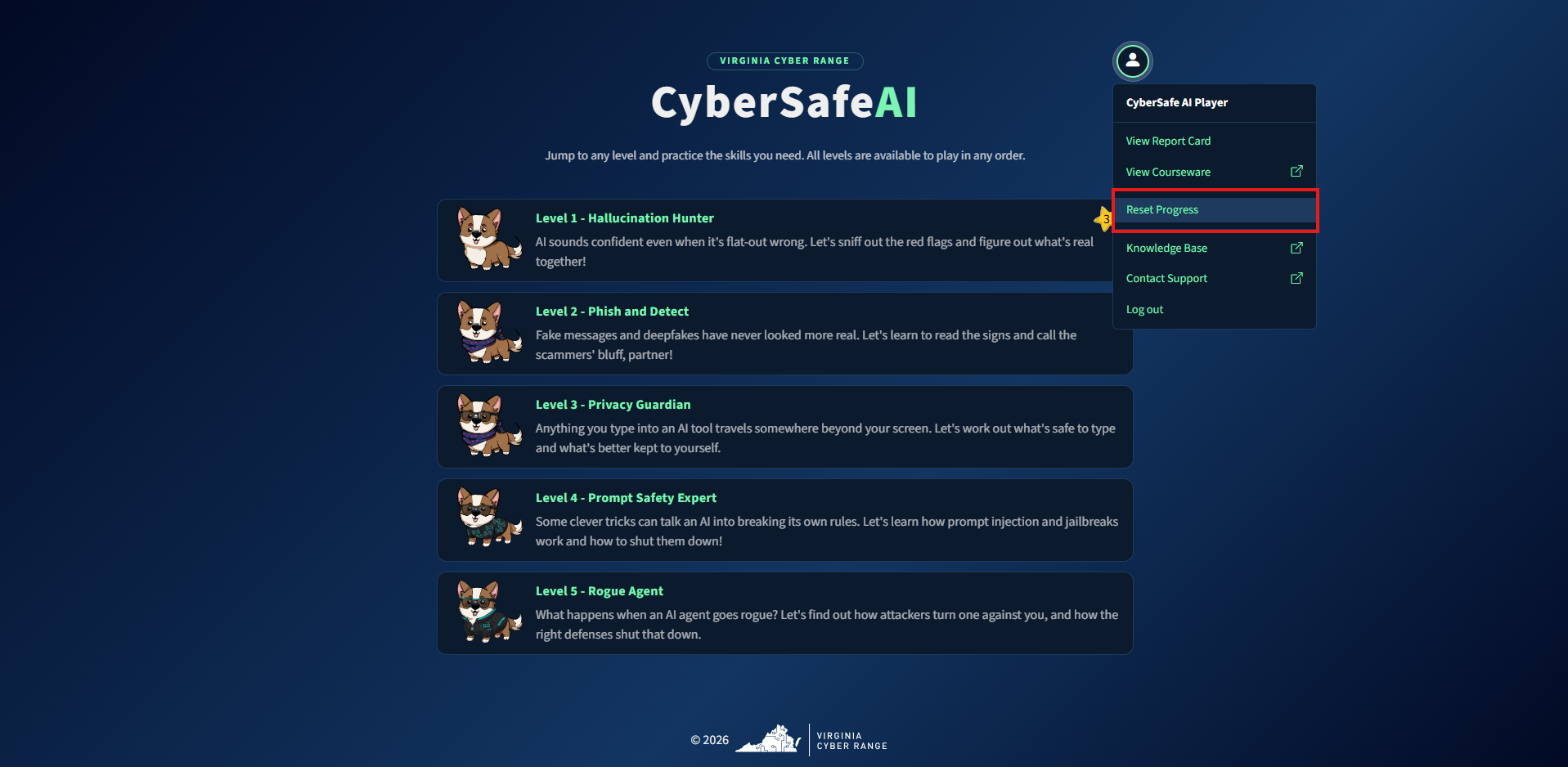
-
A pop-up will appear asking you to confirm that you want to reset your progress. Check the checkbox and click Reset.
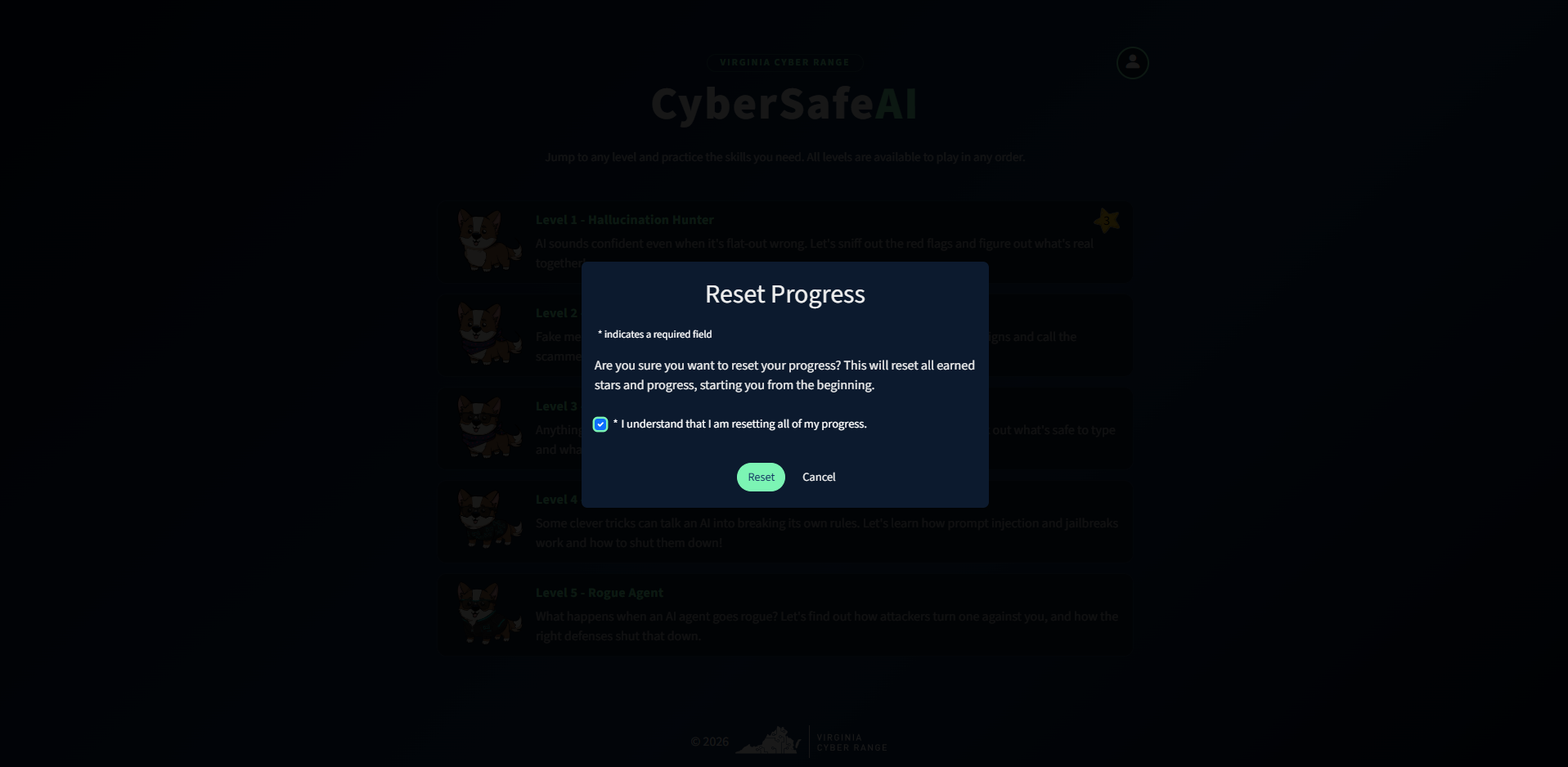
-
You'll receive a confirmation message once complete.
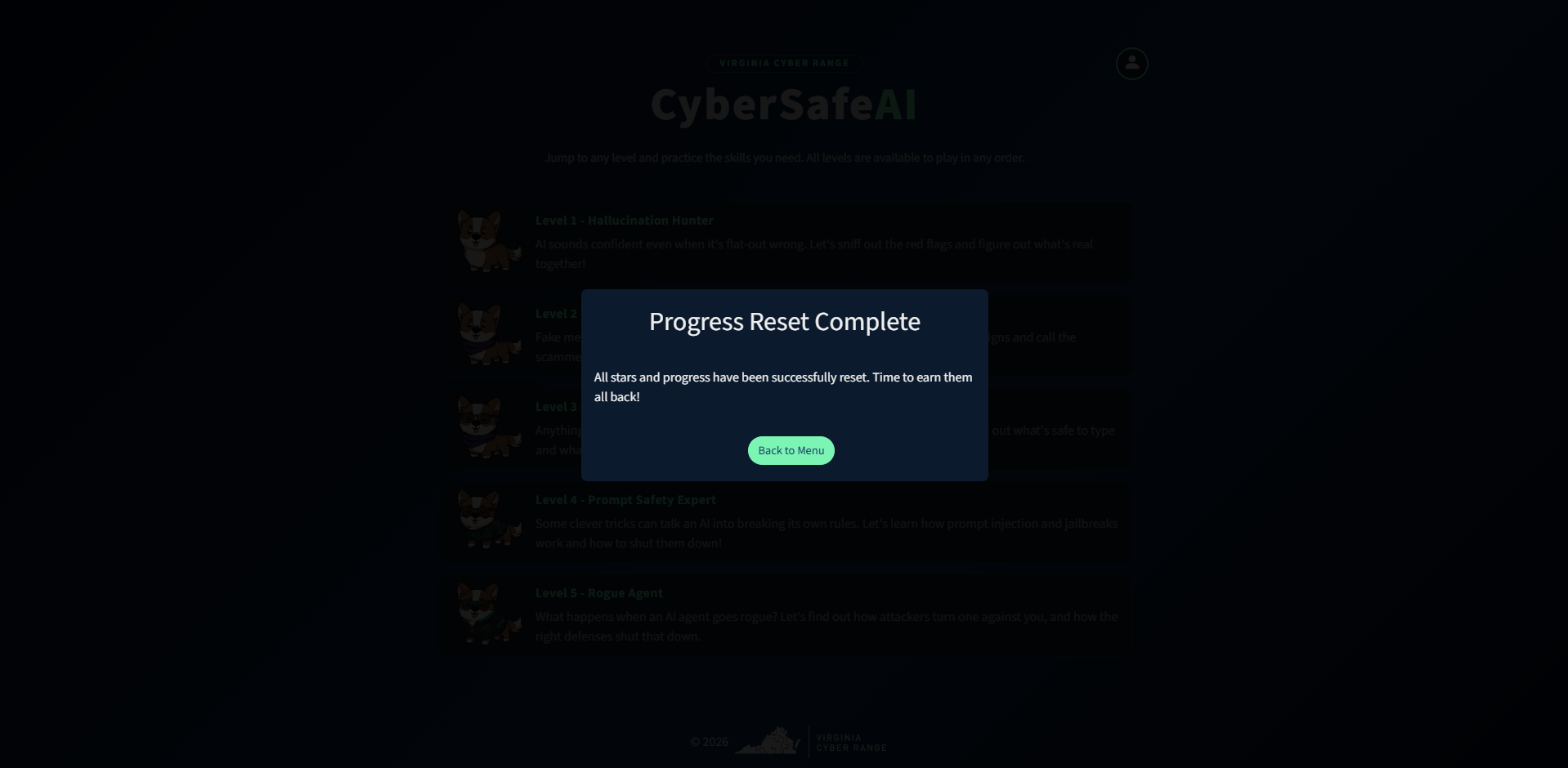
How To Create A Report Card
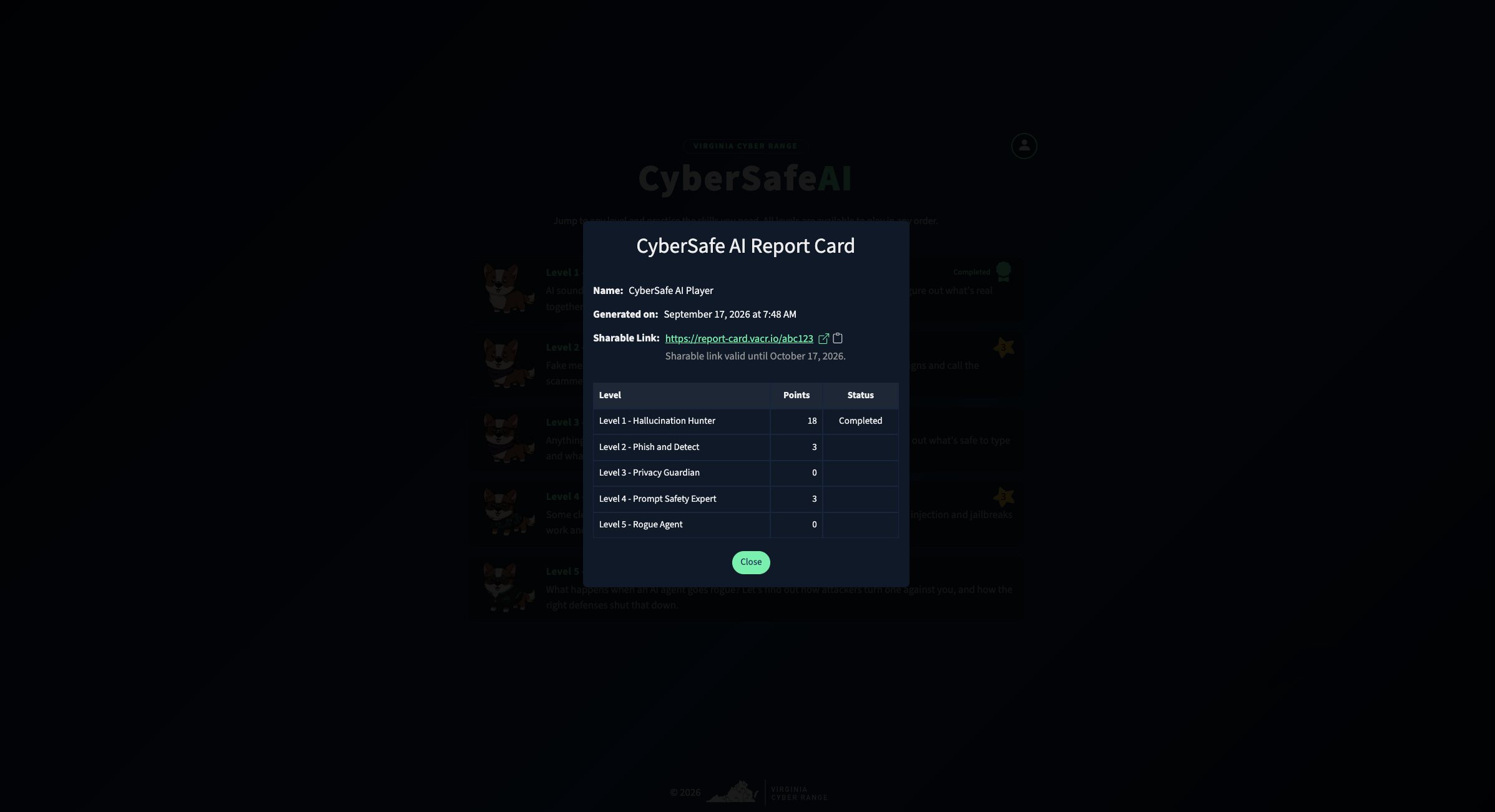
A player can share their report card with anyone using a public shareable link.
-
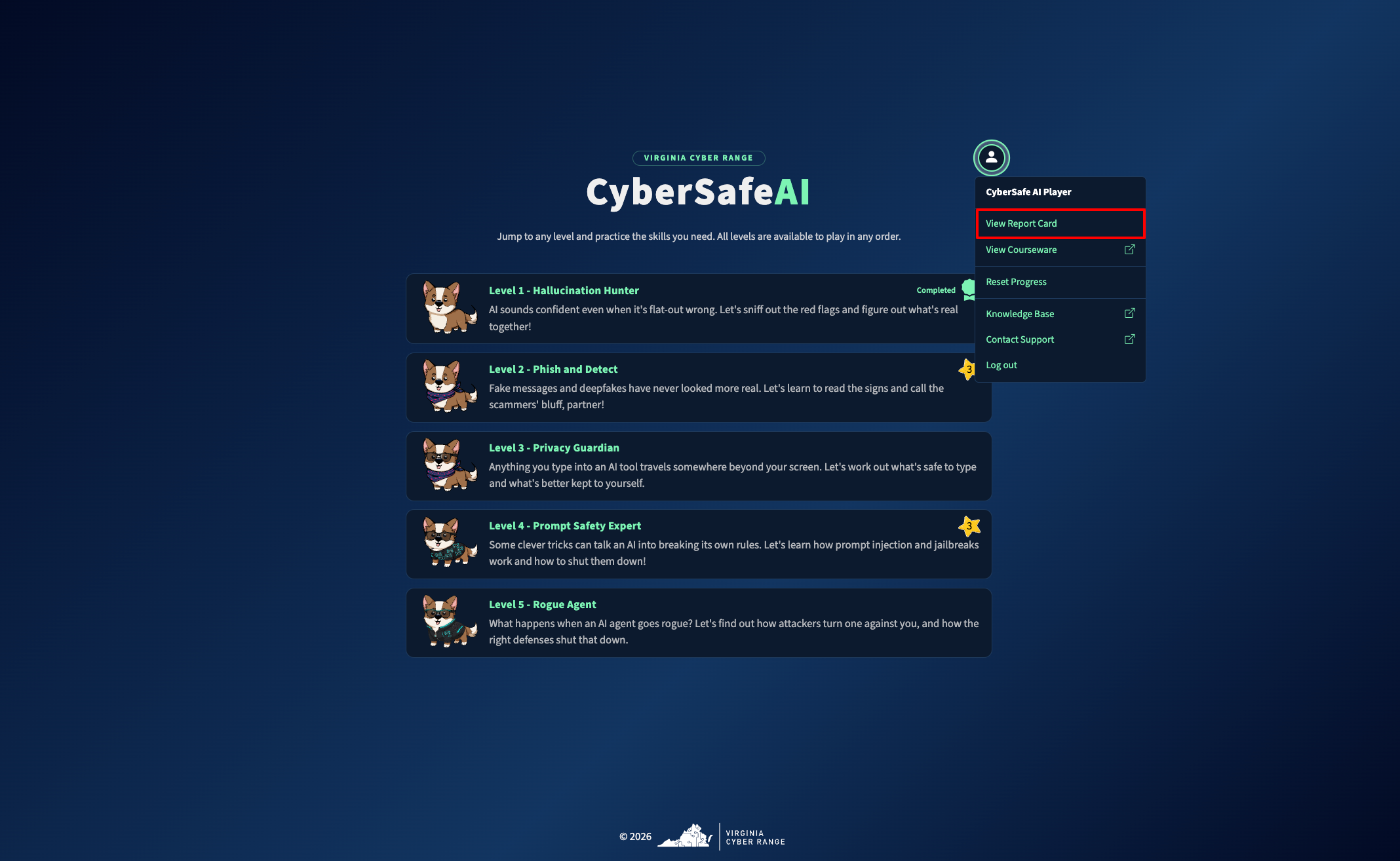
Open the Avatar Menu.
-
Click on View Report Card.
-
Once generated, the report card will be available to share:
Note
The link to the report card remains valid for 30 days.
How Do I Gain Access to CyberSafe AI Materials?
Since CyberSafe AI is open to the public, any instructor can request CyberSafe AI supporting materials by filling out the following form:
Cyber Range CyberSafe AI Materials Request Form
Once you’ve been successfully verified by our Support Team, we will email you with further instructions!
Have a Question? Contact Support
Important
Students, please reach out to your instructor who can submit a ticket to our Support Team on your behalf.
We're here to help you. If you still have questions after reviewing the information above, please feel free to submit a ticket with our Support Team and we'll get back to you as soon as possible.
Thank You for Your Feedback!